Sounds that feel like you
Up to 100 alerts, plus a library powered by the community.
Viewers trigger sounds, videos and camera filters live with Bits.
It all starts with your soundboard
Add sounds, video clips and camera filters. Set the required Bits, organise your library and let your community create the moments nobody saw coming.
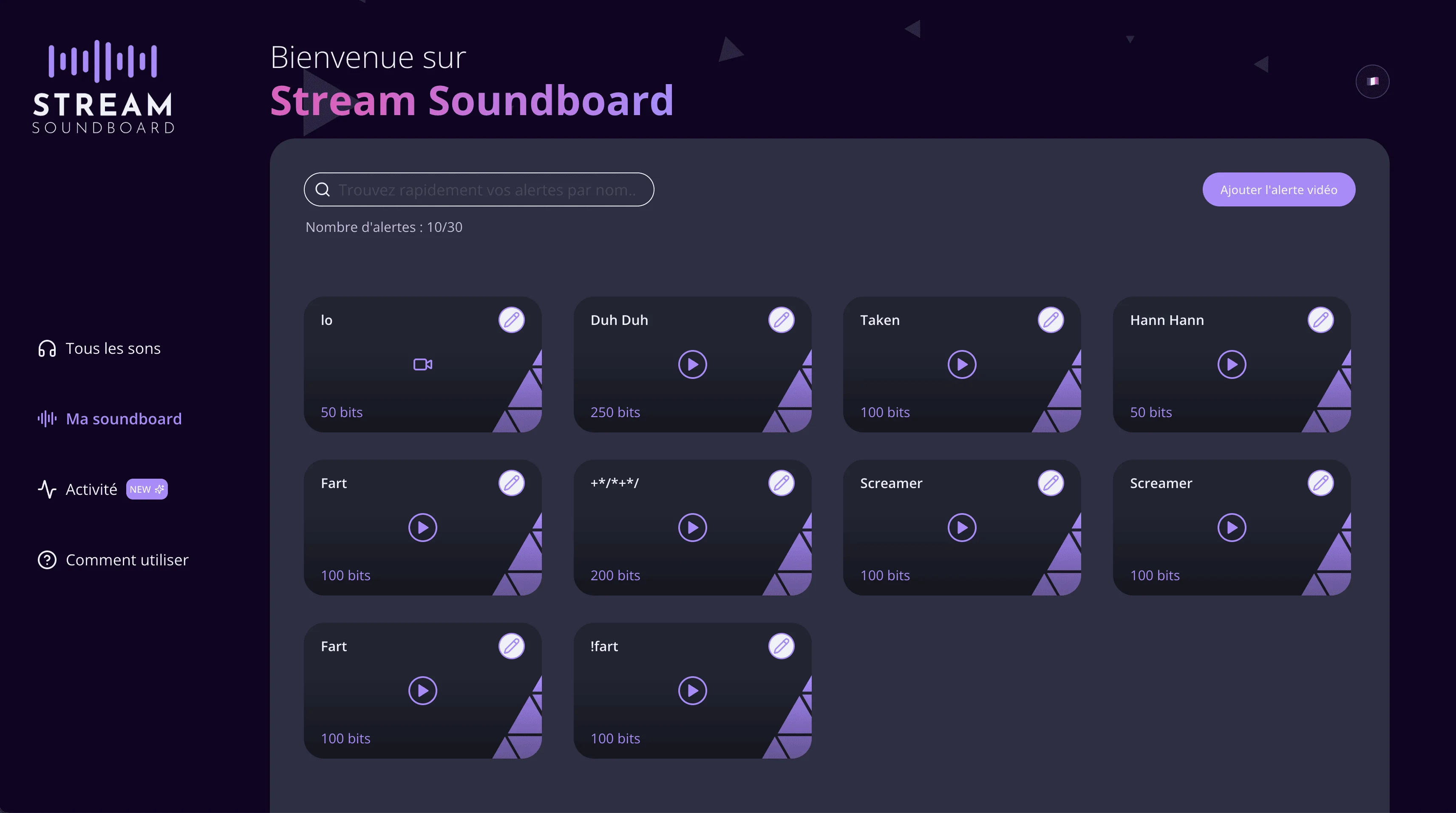
Up to 100 alerts, plus a library powered by the community.
YouTube, TikTok and Twitch, with preview before anything goes live.
Bit prices, cooldowns, order, visibility and per-viewer limits.
P*rn? Nope.
You stay in control of every submitted clip. Your moderators can preview, approve or reject videos before they ever reach the stream.
Set up moderationThe experience feels instant for viewers and stays predictable for streamers.
A sound, video or camera filter from your soundboard.
The Bits payment is confirmed and moderation steps in when needed.
The alert goes live without breaking the pace of your stream.
Already live on their streams
Discover channels using Stream Soundboard and the viewers bringing their leaderboards to life.
View the leaderboardFrequently asked questions
The essentials before you install the extension.
Each trigger uses the number of Bits you set. Twitch handles and pays the corresponding revenue under the terms of its Bits programme.
No. Connecting Twitch, installing the extension and adding the source to your streaming software are all covered by a short guided setup.
Yes. Upload your alerts, choose their name, volume and required Bits, then decide which ones your viewers can access.
Yes. Stream Soundboard supports YouTube, TikTok and Twitch clips. You can require a preview and have every submission approved by your moderation team.
It only adds up Bits used through Stream Soundboard. It does not represent a viewer’s overall Bits activity across Twitch.
Install Stream Soundboard and let your community choose when the stream takes a turn.
Install the extension